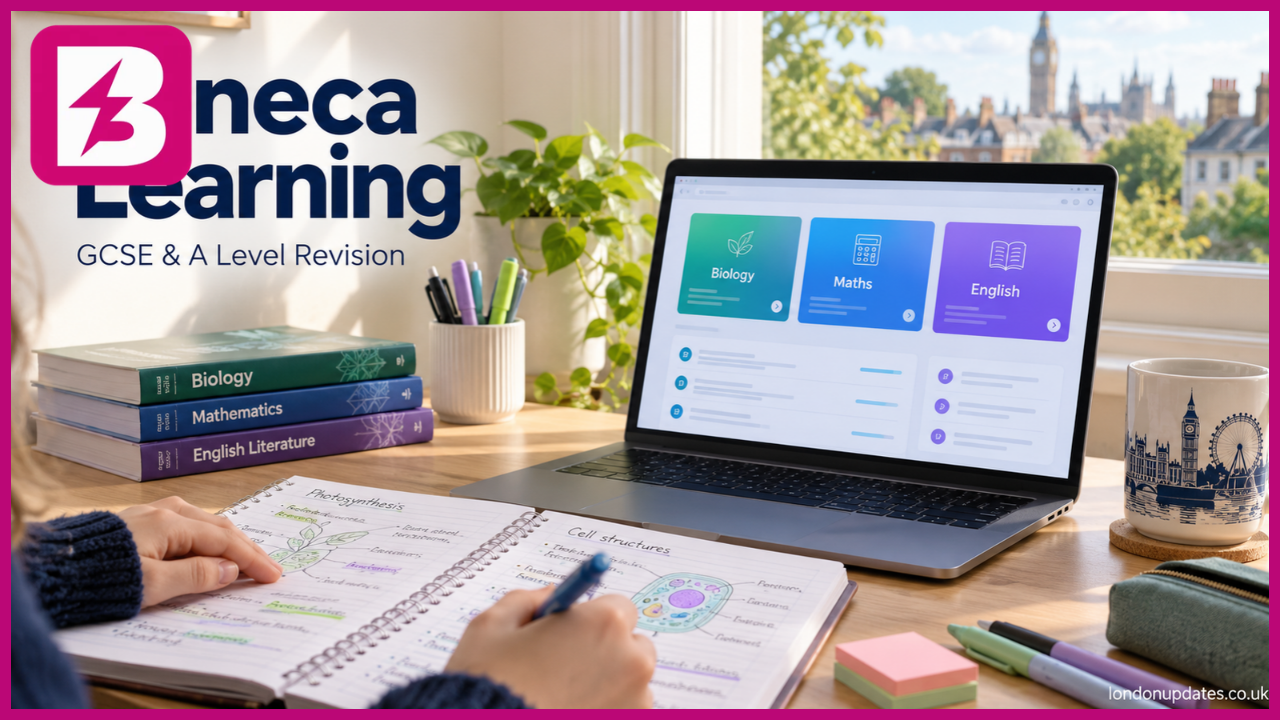
Seneca Learning Explained Free Revision Login Courses and Study Tips
Finding a revision platform is easy; knowing how to use it well is harder. Seneca Learning brings course content and interactive questions together, but students and parents often want clear answers about its login, free features and homework tools.
This guide explains how the platform works, how to choose the right courses and where it fits into a realistic study routine. It also looks at Premium options and why completing online activities should be followed by practising exam questions.
What Is Seneca Learning and How Does It Work?
Seneca Learning is an online revision and homework platform with resources for different stages of education, including primary, KS3, GCSE and A Level. Students can use it independently, while teachers can assign work through classes.
Rather than presenting an entire textbook chapter at once, the platform combines condensed learning content with interactive questions. The intention is to keep students involved in the material instead of simply reading through pages of notes.
Its official website describes a learning system informed by neuroscience. However, students should judge their progress through what they can remember and explain afterwards. Finishing an activity is useful, but being able to apply the topic without prompts is a stronger test of understanding.
Seneca Login and Getting Started as a Student
Creating a student account is free. Seneca supports registration through an email address or Google and Microsoft single sign-on. Students should follow their school’s account instructions where these have been provided.
Start at the official Seneca website and choose the registration option. Enter the required details, select the student account type and choose the relevant school and year group. Once the account is ready, add the courses needed for your subjects.
For future sessions, use the same sign-in method. If you registered through a school Microsoft account, choosing a different personal account can cause confusion about where your courses and assignments have gone.
Joining a teacher’s class is a separate step where automatic school synchronisation is not in place. Seneca supports class links and codes. When given a class link, log into the correct student account before opening it.
If an assignment appears to be missing, check the account and class first, then ask the teacher to confirm that the work has been assigned to you.
Choosing the Right GCSE and A Level Courses
Seneca offers courses across subjects such as English, maths, biology, chemistry, physics, geography, history and languages. Its course search includes filters for level, subject, exam board and, where relevant, GCSE tier.
This matters because two students studying the same subject may be following different specifications. A course with a familiar title is not automatically the correct course for your exam.
Before starting, check:
- Your qualification level, such as GCSE or A Level.
- The exam board used by your school.
- Whether your GCSE course requires Foundation or Higher content.
- Whether you study combined science or separate sciences.
- Any specific texts, options or topics selected by your teacher.
For example, a student taking GCSE combined science should confirm the relevant board and tier before choosing biology content. Studying a different specification may still teach useful science, but it can leave gaps in the material required for that student’s assessment.
Seneca acknowledges that some course and exam-board combinations may not be available. If you cannot find an exact match, ask your teacher which resource best fits the specification.
Is Seneca Free and What Does Premium Include?
Seneca provides free exam-board-specific courses, and teachers can set standard assignments and review student progress without a paid subscription. Students can therefore begin using the core platform without purchasing Premium.
Paid packages add further content and learning tools. Seneca’s help centre lists features such as Smart Learning Mode, Wrong Answer Mode, Quiz Mode and AI-marked exam-style questions, although access depends on the package.
Smart Learning Mode recommends sections after enough study data has been collected. Wrong Answer Mode allows students to focus on previously incorrect answers. These tools serve different purposes, so it helps to identify the study problem you want to solve before upgrading.
Check the current package details, price and subscription terms before paying. Also ask whether your school already provides access. Premium features do not remove the need for careful study, teacher feedback or exam practice.
How Teachers and Parents Can Support Learning
Teachers can use Seneca to assign topics and review students’ progress. This makes it possible to connect independent revision with what has been covered in the classroom.
Class setup varies. In schools using Seneca’s School Sync, students can be added through the school’s management system. Other classes use invitations, links or codes.
Parents can create a parent account and connect it to their child’s account to monitor progress. The most useful conversation, however, goes beyond asking whether homework has been completed.
Try asking which topic felt difficult or whether the student can explain one idea from the session. If the same area keeps causing problems, encourage them to take a specific question to their teacher.
Using Seneca Revision Alongside Exam Practice
A practical routine is to choose one manageable topic, complete the relevant activity and then close the platform. Write down the main ideas from memory before checking what was missed.
Next, attempt an exam-style question on the same topic. This reveals whether you can use the knowledge when the wording changes or when an answer requires several connected points.
For example, after revising photosynthesis, explain the process without looking at notes. Then try a question about how light intensity affects the rate. Recognising a definition and explaining experimental results are different tasks.
Keep a short record of mistakes and revisit difficult topics later. If you repeatedly guess an answer correctly, treat that as a reason to review the explanation rather than move on immediately.
A high activity score can be encouraging, but it should be considered alongside written answers, teacher feedback and performance under timed conditions.
Frequently Asked Questions About Seneca Learning
Is Seneca Learning completely free?
The core platform includes free courses and standard homework tools. Optional Premium packages provide additional content and features, so not everything on the platform is free.
How do I log into Seneca?
Visit the official website and choose login. Use the email account or Google or Microsoft sign-in method associated with your existing account.
Can I use Seneca without joining a school class?
Yes. Students can add courses and study independently. Joining a class enables access to work assigned through that class.
Is Seneca useful for GCSE revision?
It can support topic review and knowledge practice when you select the correct course. Combine it with written exam questions and feedback to practise applying that knowledge.
Is Seneca Premium worth buying?
That depends on whether you need the extra features and will use them regularly. Try the free courses first and check whether your school already provides Premium access.
Conclusion
Seneca Learning gives students a structured way to review topics and complete online homework. Choosing the correct course, using the right account and following up difficult answers are important first steps.
For a balanced revision routine, combine Seneca activities with recall from memory, written questions and teacher feedback. Start with one topic you find difficult, then check whether you can explain and apply it without help.
Read more : Buzzstories.co.uk